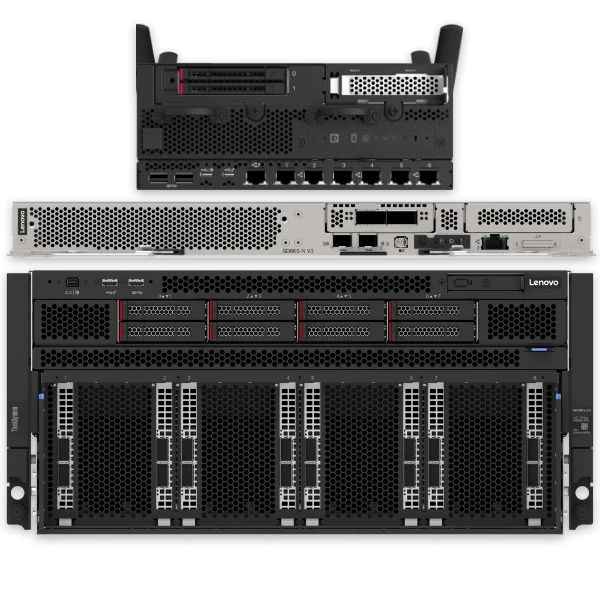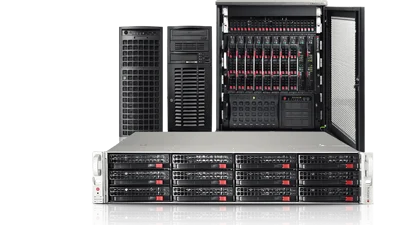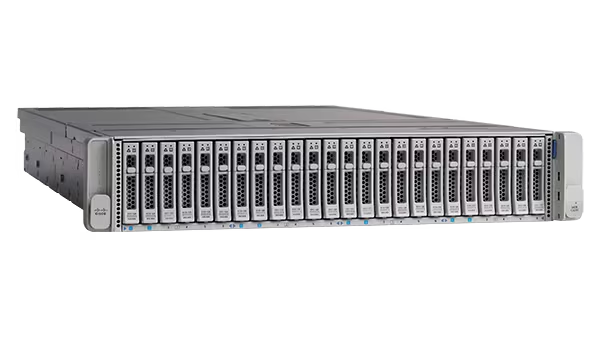
Finding the right IT hardware can take time, especially when you’re matching technical requirements to a specific model, checking availability or looking for a replacement for existing equipment.
The Flux IT Product Finder helps you narrow down suitable enterprise servers and networking equipment. Search using a manufacturer part number if you have one, or describe what you need and compare suitable options.
Try the Flux IT Product Finder
Start with what you know
Already have a part number or SKU? Enter it into the Product Finder to look for an exact match. Where the product is listed, you can check availability and pricing and follow the link to its product page.
If you don’t know the precise model, you can search by requirements instead. This is useful when planning a new installation, expanding an existing network or replacing equipment that is no longer available through the original supplier.
Search for a network switch by specification
Choosing a switch involves more than selecting a manufacturer. You may need to consider:
- The type of switch and how it will be used
- The number of ports required
- Access and uplink speeds
- Whether Power over Ethernet (PoE) is needed
- Your preferred manufacturer
Enter the details you know and the Product Finder can help identify suitable options, including alternatives that may fit your requirements.
Find a server for your workload
Server requirements vary depending on the applications and workloads you need to support. The Product Finder can help you explore options using details such as:
- Workload
- Form factor
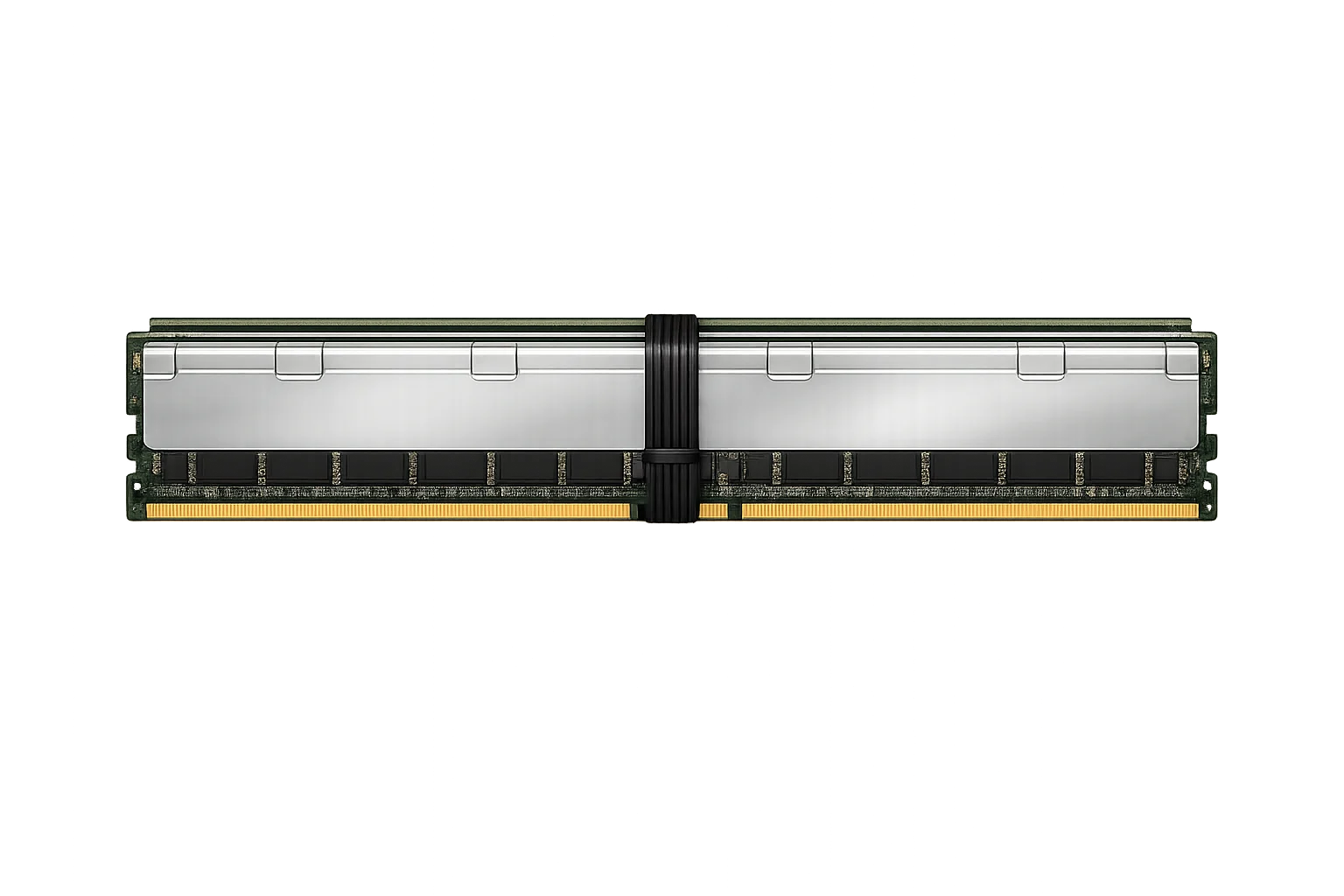
- Memory requirements
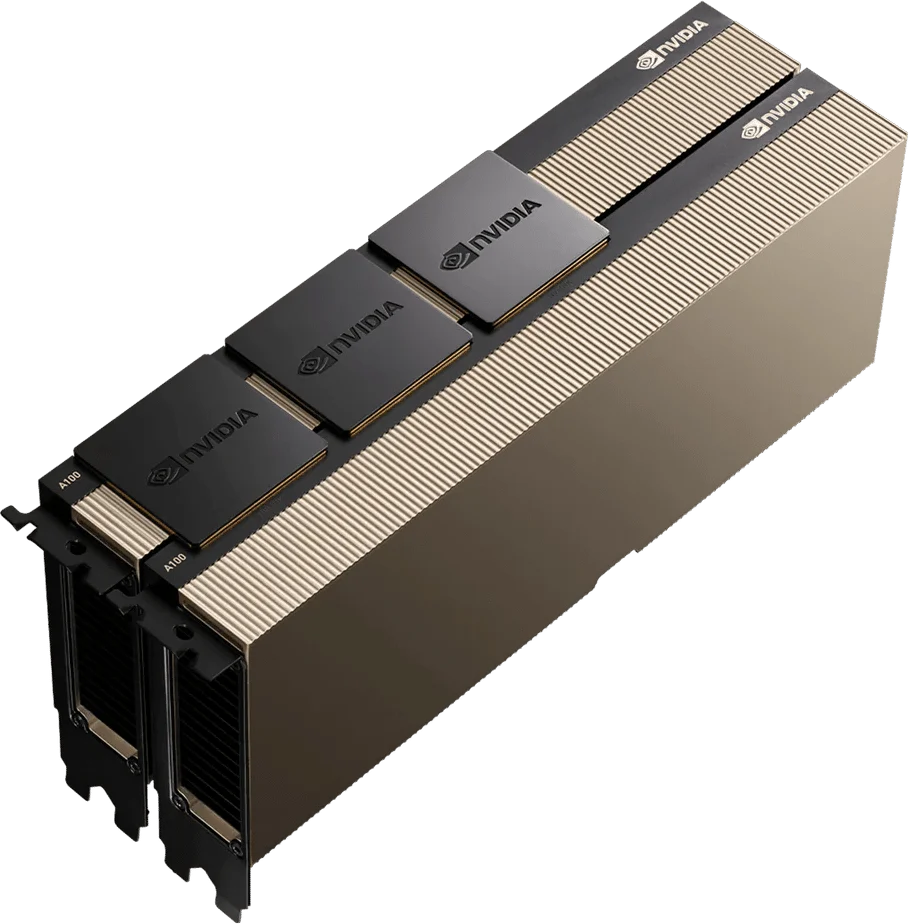
- GPU requirements
- Preferred manufacturer
You don’t need to have every specification decided before you start. Add the information you have, then review the suggested platforms.
Compare suitable hardware and availability
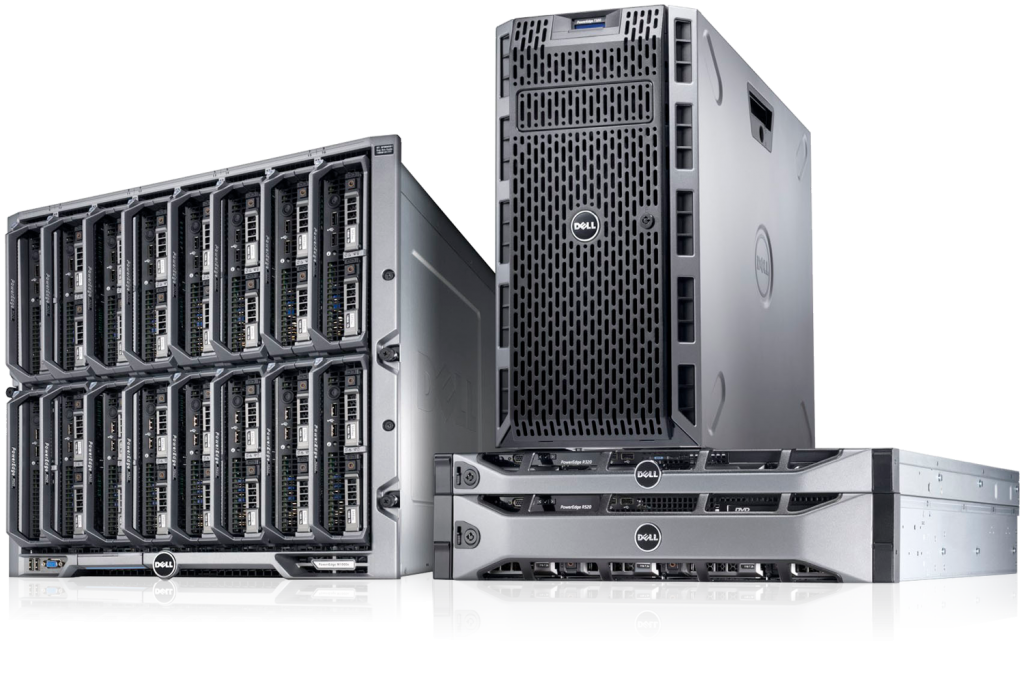
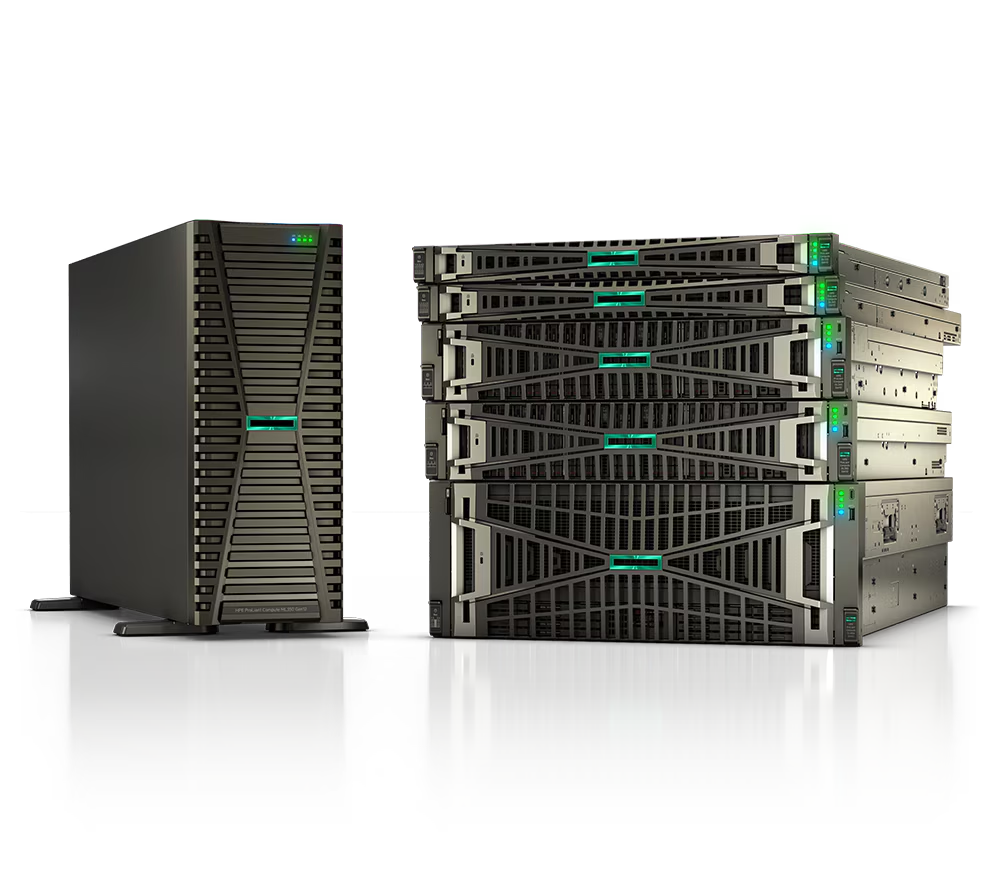
The Product Finder helps match your requirements with suitable enterprise hardware from manufacturers including Cisco, HPE, Aruba, Dell and Ubiquiti. Recommendations are guided by the technical requirements you enter, with manufacturer preference helping to refine the results.
If a suitable product is listed in Flux IT’s online stock, you can check its availability and pricing. If it isn’t listed, you can send your requirements to the Flux IT team for a stock or sourcing check.
Looking for EOL, EOSL or hard-to-find equipment?
Organisations often need to keep existing infrastructure running after a product has reached end of life or end of support. A like-for-like replacement, additional capacity or spare equipment may still be available through alternative sourcing.
If you can’t find the model you need, send Flux IT the part number or configuration. Depending on your requirements and availability, the team can check for new, new-surplus or professionally refurbished equipment.
From product search to quote
The Product Finder gives you a straightforward route from identifying a requirement to taking the next step. Search for a model, compare suitable options and either proceed to an available product or ask Flux IT to check your requirement.
Use the Product Finder to find enterprise hardware
Need help with a specific model or configuration? Call Flux IT on 03330 048885 or submit your requirements through the Product Finder.