Your Roadmap to High-Performance Networking and Sustainable IT Upgrades
If you have spent any time in a server room over the last decade, you have likely encountered the Cisco Catalyst 2960-X or the 3850. They were the reliable workhorses of the networking world, the equivalent of a sturdy pair of boots that never seemed to wear out. However, as digital transformation pushes more data to the edge and security threats become more sophisticated, even the best boots eventually need replacing.
Enter the Cisco Catalyst 9200 Series. Designed as the direct successor to those legendary models, the 9200 series isn’t just a hardware refresh; it is a fundamental shift toward more secure, programmable, and sustainable networking. At Flux IT Hardware, we are seeing a massive surge in demand for these units as businesses look to balance performance with their ESG (Environmental, Social, and Governance) goals.
Whether you are looking for a brand-new kit or high-quality refurbished network equipment to stretch your budget, this guide will walk you through everything you need to know.
C9200 vs. C9200L: Which One Do You Need?
The first hurdle most buyers face is choosing between the “full” C9200 and the C9200L (fixed) models. While they look similar from the front, the differences under the hood, and on the back panel, are significant.
Essentially, the C9200 offers modularity and higher resiliency, while the C9200L is designed for cost-effective, fixed deployments.
| Feature | Catalyst 9200 (Modular) | Catalyst 9200L (Fixed) |
|---|---|---|
| Uplinks | Modular (Expansion Slots) | Fixed (Built-in) |
| Stacking Bandwidth | 160 Gbps (StackWise-160) | 80 Gbps (StackWise-80) |
| Fans | Dual, Field-Replaceable (FRU) | Fixed (Non-replaceable) |
| Power Supplies | Dual redundant (FRU) | Dual redundant (FRU) |
| SD-Access Support | Full (Up to 32 Virtual Networks) | Limited (1 Virtual Network) |
The Flux IT Verdict: If your switch is sitting in a remote branch office where “good enough” is the standard, the C9200L is a fantastic, budget-friendly choice. However, if you are building a campus core or a critical wiring closet where a fan failure shouldn’t mean a whole switch replacement, go for the modular C9200.
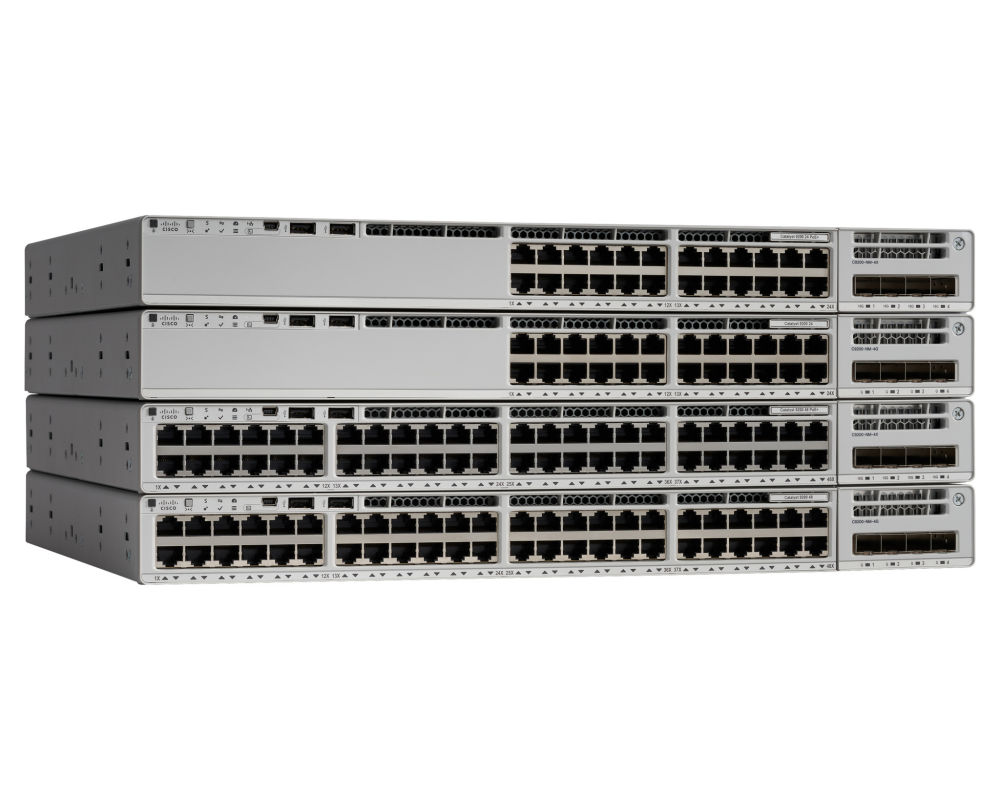
The 9200 series is the “Goldilocks” of the Catalyst family. It is more powerful than the entry-level 1000 series but more accessible than the enterprise-heavyweight 9300.
- Mid-Sized Campus Access: For organisations that need reliable 1GbE connectivity for desktops, printers, and Wi-Fi 6 access points.
- Branch Offices: The security features (like MACsec-128) make it perfect for remote sites that need to connect securely back to the main data centre.
- Wiring Closets: Its compact depth and PoE+ capabilities make it the ideal candidate for crowded closets powering IP phones and security cameras.
Essential Specs at a Glance
When comparing models, keep these four pillars in mind:
- Ports: Available in 8, 24, and 48-port configurations. All are 10/100/1000Mbps data ports, with some models offering mGig (Multi-Gigabit) support for high-speed wireless backhaul.
- PoE+ (Power over Ethernet): Most 9200 models support PoE+, delivering up to 30W per port. This is vital for modern VoIP and IoT devices. Always check your total power budget before buying.
- Stacking: Using StackWise technology, you can manage up to eight switches as a single logical unit. This simplifies management and provides built-in redundancy.
- Uplinks: On C9200 models, you can swap between 1G, 10G, and even 25G modular uplinks as your bandwidth needs grow.
Looking to upgrade your infrastructure without breaking the bank?
Check out our range of new and refurbished Cisco hardware today.
Practical CLI Quick Start
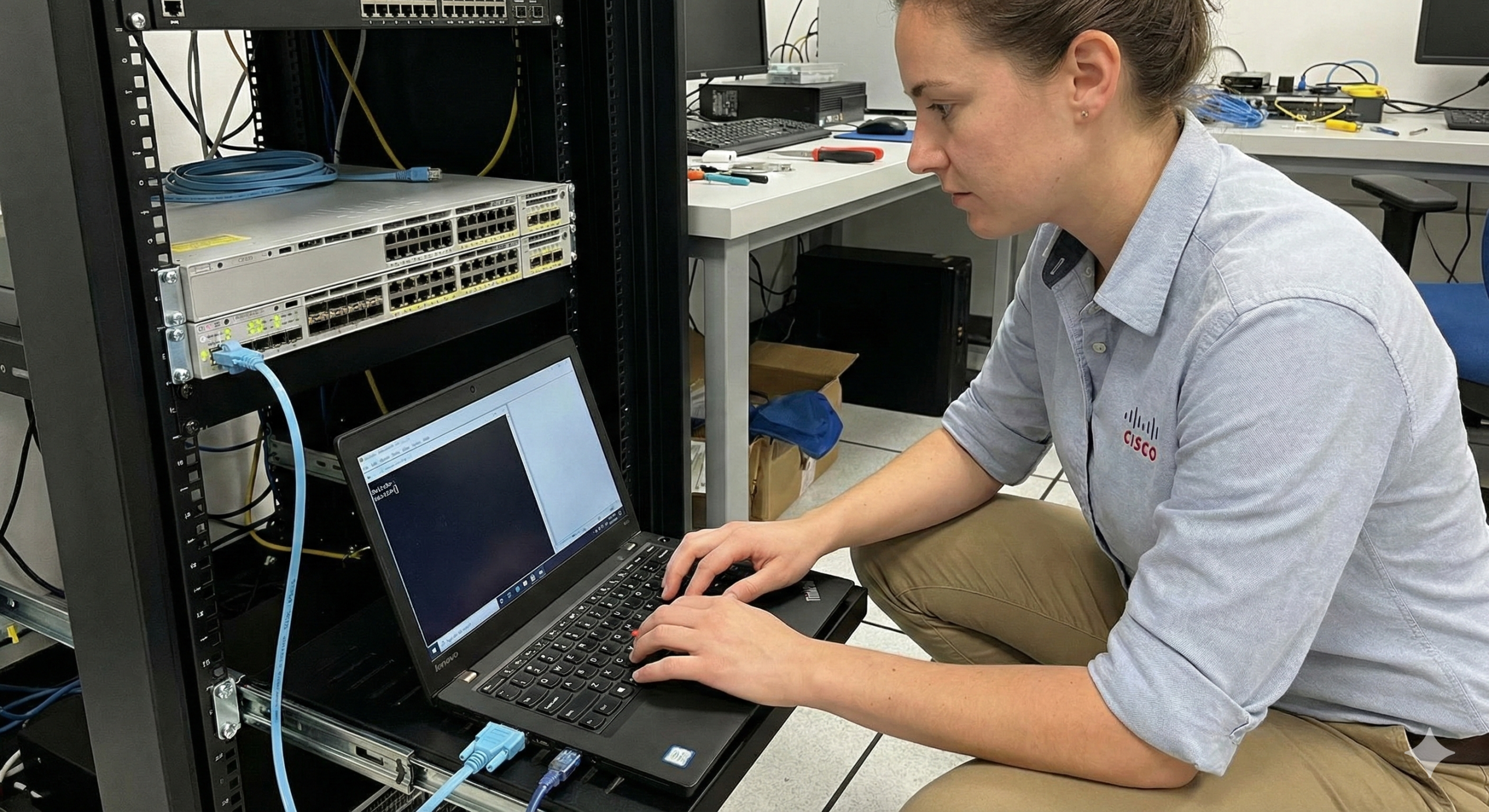
For the network engineers who just want to get the thing configured and get home for tea, here are four essential commands you will likely use in the first ten minutes of unboxing your 9200:
show ip interface brief: The “bread and butter” command to check which ports are up and what IP addresses are assigned.show vlan brief: Quickly verify your VLAN assignments and ensure your trunking is set up correctly.show power inline: Essential for PoE models. It tells you how much wattage is being drawn and how much remains in your budget.write memory: (Or the classiccopy run start). Because no one wants to lose four hours of configuration work due to a power cut.
Cisco’s licensing can sometimes feel like trying to solve a Rubik’s cube in the dark. To keep it simple for the 9200 series, you have two primary tiers:
- Network Essentials: Covers the basics. Layer 2 features, routed access, OSPF, and basic programmability. For 90% of standard business needs, this is plenty.
- Network Advantage: Unlocks advanced features like full Layer 3 routing (BGP, EIGRP), advanced segmentation, and deeper SD-Access integration.
Remember: The “Network” license is perpetual (it stays with the hardware), but Cisco also requires a “DNA” subscription for the first term, which covers the software-defined management side of things.
The Flux IT Advantage: Refurbished & Sustainable IT
Why choose refurbished network equipment for your 9200 rollout? Beyond the obvious warm-and-fuzzy feeling of helping the planet, there are three hard-headed business reasons:
- Cost Savings: You can often find used Cisco switches at 50% to 70% off the original list price. This allows you to buy higher-spec hardware (like the modular C9200) for less than the price of a new C9200L.
- Availability: While global supply chains have improved, lead times for brand-new Cisco gear can still be unpredictable. We keep a massive stock of tested, ready-to-ship hardware in our warehouse.
- Sustainability: Every switch we refurbish is one less piece of e-waste in a landfill. Our it asset disposal services ensure that your old gear is either recycled or given a second life.
All our refurbished units undergo a rigorous 25-point testing process and come with a comprehensive warranty, giving you peace of mind without the “new-box” tax.
Buying Tips: Don’t Get Caught Out
- Calculate Your PoE Budget: If you are hanging 48 high-end Wi-Fi 6 access points off one switch, a standard power supply might not cut it. Check if you need the 715W, 1100W, or even the 1600W PSU.
- Modularity vs. Fixed: If you anticipate moving from 10G to 25G uplinks in the next three years, the C9200 modular models are a much safer bet.
- Check the EOL Status: While the 9200 is current, always keep an eye on what it is replacing. If you are clearing out old 3850s, check what Cisco EOSL means for your network.
- Professional Testing: If buying used, ensure the vendor provides a console log showing the unit is cleared of previous configs and has no memory errors.
At Flux IT Hardware, we believe that high-performance networking shouldn’t cost the earth, literally or figuratively. By choosing the right Catalyst 9200 model and considering refurbished options, you can build a network that is fast, secure, and sustainable.
Ready to talk specs or get a quote? Our team is standing by to help you find the perfect fit for your rack.
What do we buy?
| Cisco Equipment | Aruba Equipment | AI Hardware |
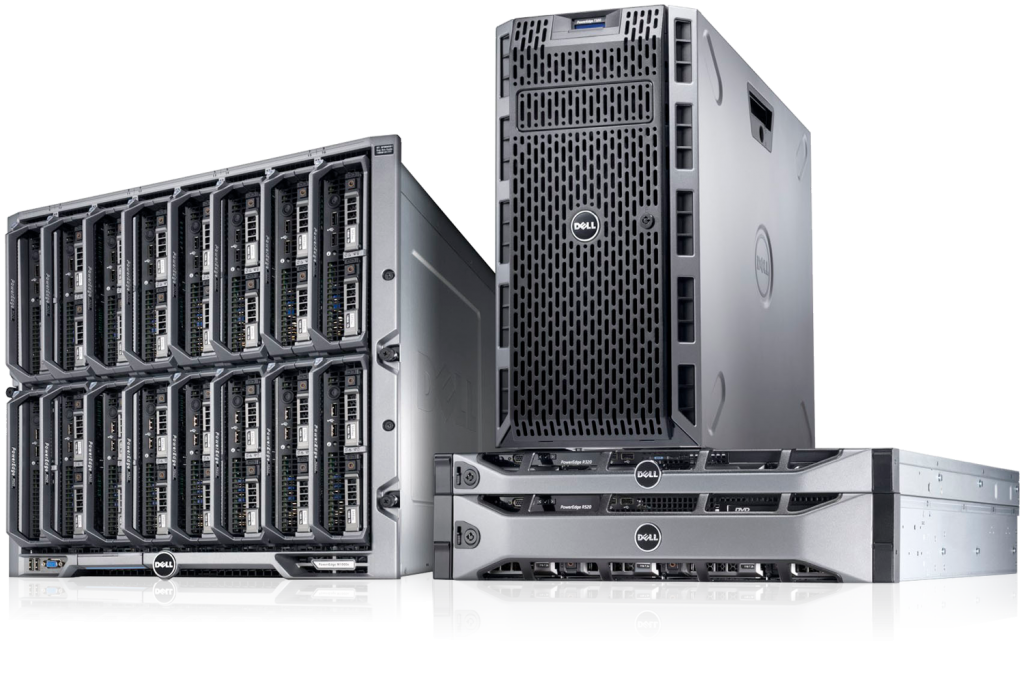
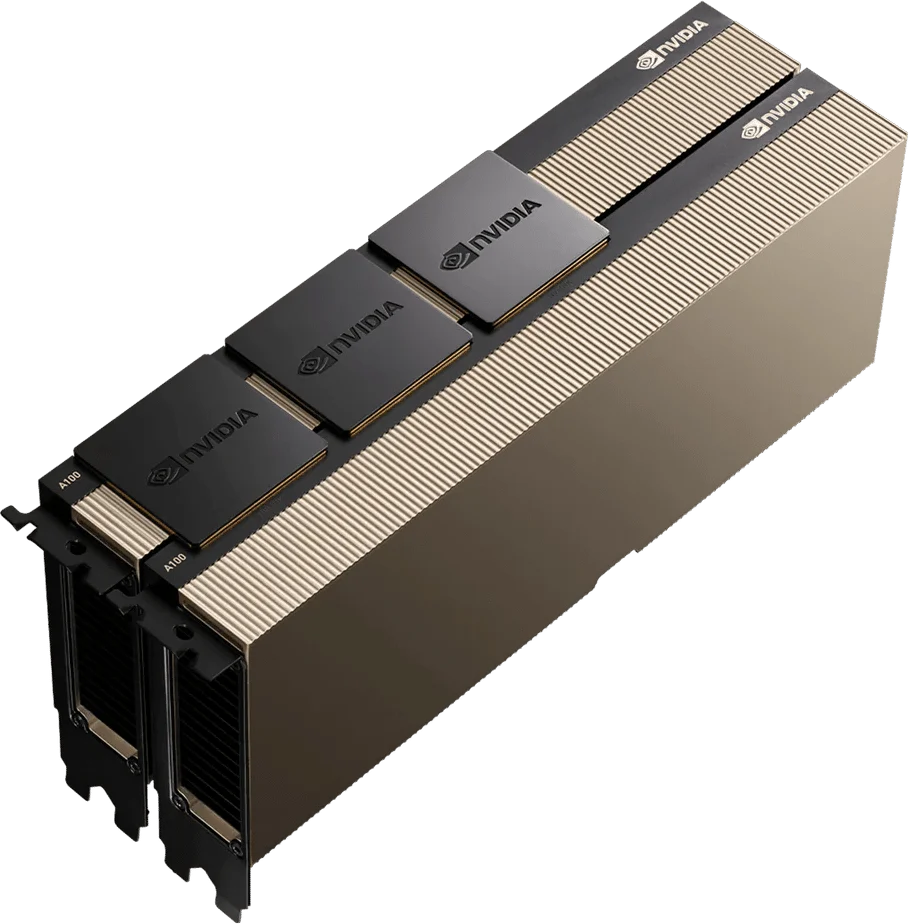
| HPE Equipment | Server Equipment | NVIDIA H100 & A100 AI GPUs |
| Juniper Equipment | Corporate Desktops & Laptops | Barcode Scanners |
Frequently Asked Questions
Absolutely. In many cases, refurbished hardware is more reliable because it has been individually tested by technicians, whereas new hardware is often only batch-tested at the factory.
The 9200 series is currently the mainstay of Cisco’s campus access portfolio. It is nowhere near EOL. In fact, it’s the recommended replacement for the Catalyst 3850.
Yes, but only on the modular C9200 models. You can insert a C9200-NM-2Y module to get 2x 25G SFP28 ports.
Unfortunately, no. On the “L” models, the fans are fixed. If a fan fails, the unit usually requires a full replacement or repair. If you need modular fans, go for the C9200 modular series.
No. Stacking requires the same architecture. C9200 switches stack with other C9200s (StackWise-160), and C9200L switches stack with other C9200Ls (StackWise-80). They don’t play nicely in the same stack.